

 29-Dec-2025
 Admin
Admin
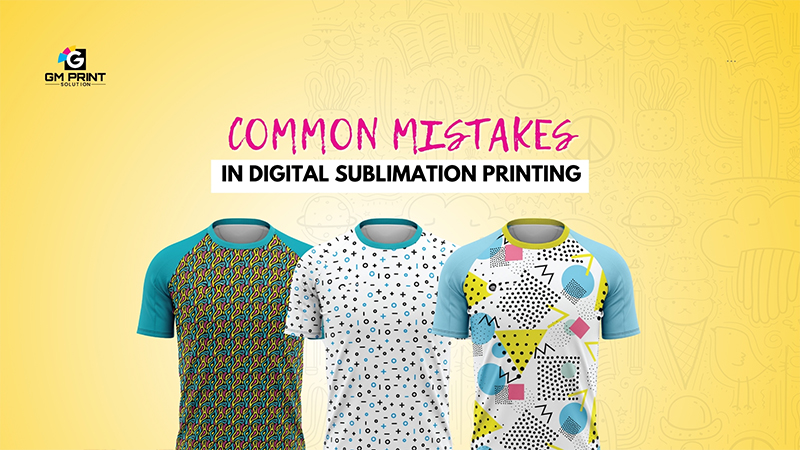
Digital sublimation printing is a popular printing method for sportswear, fashion garments and promotional items. It produces bright colors, smooth designs and long-lasting prints. However, many people face problems because of small mistakes during the printing process.
In this blog, we will explain the common mistakes in digital sublimation printing and help you understand how to avoid them.
One of the biggest mistakes in digital sublimation printing is using the wrong fabric. Sublimation printing works best on polyester or fabrics with high polyester content. When people try to print on cotton or other natural fabrics, the colors come out dull or faded.
Choosing the correct fabric is very important for strong and bright sublimation prints.
Even when using blended fabric, low polyester content can cause problems. If the fabric has more cotton than polyester, the sublimation ink cannot bond properly. This results in weak color and poor print quality.
For best results, fabrics should have a high percentage of polyester.
Using the wrong heat press temperature is another common mistake. If the temperature is too low, the ink will not transfer fully. If the temperature is too high, the fabric can burn or the colors can change.
Correct temperature settings are necessary for clean and accurate sublimation prints.
Heat press time is just as important as temperature. Pressing for too little time can cause incomplete transfer. Pressing for too long can damage the fabric or create blurred designs.
Always follow the recommended heat press time for the best result.
Using low-quality sublimation ink can lead to faded colors and short print life. Cheap ink may look okay at first, but it will not last after washing.
High-quality sublimation ink ensures bright colors and long-lasting prints.
Transfer paper plays a big role in sublimation printing. Poor quality paper can cause uneven ink release, ghosting, or faded prints.
Using good quality sublimation transfer paper helps achieve sharp and clear designs.
Moisture is a hidden problem in sublimation printing. If the fabric or transfer paper has moisture, it can cause blurry prints and color bleeding.
Pre-pressing the fabric for a few seconds helps remove moisture and improves print quality.
Wrong pressure during heat pressing can ruin the print. Too little pressure can cause uneven transfer. Too much pressure can damage the fabric.
Proper pressure ensures even ink transfer and clean results.
Color mismatch is a common issue in sublimation printing. This happens when color profiles are not set correctly. The printed colors may look different from the screen.
Using the correct color profile and calibration helps maintain accurate colors.
Many people skip test printing to save time. This often leads to mistakes in large production. Small test prints help identify problems early and save cost.
Testing before full production is always a smart step.
Removing the transfer paper too quickly can cause ghosting or blurred edges. Letting the fabric cool properly helps keep the design sharp.
Proper cooling is important for clean sublimation prints.
Digital sublimation printing gives excellent results when done correctly. Most problems happen because of small mistakes like wrong fabric choice, incorrect heat settings or poor materials.
By avoiding these common mistakes, you can achieve bright, durable and professional-quality sublimation prints.